For small businesses and local trades

Stop being the go-between for your own apps.

We set up phone answering and chat on your website, then join them to your customer tracker. Leads land where you can see them, and you stop retyping the same details into three apps.

Or get a free chatbot demo built from your own website.

What we do for you

Eight ways we take work off your plate. Each one links to a real example.

  1. Your apps talking to each other

    We join your customer tracker (CRM) to your website, your lead follow-up and your chat. You stop being the human link between them.

    Our own tracker shows how it looks: a call queue, one-line call logging, follow-up rules and do-not-call protection.

    See the tracker at work
  2. Chat on your website that knows your business

    Visitors get answers drawn from your own website, and the chat collects their contact details for you. We build a free demo from your site.

    See the chat bubble
  3. A phone receptionist

    It answers, finds out what the caller needs and passes the details on to you.

    See a recorded test call
  4. A website built from what your customers search

    We study what people in your area search for, then plan every page of your site around it.

    See the example websites
  5. A call list that builds itself

    We find the businesses, find the owner, screen out do-not-call numbers and give each rep a fair share.

    See how a list gets built
  6. Your business line on your phone

    Call, take notes and keep each person's history in one place.

    See the phone line at work
  7. Testing your phone assistant before your customers do

    We run 45 scripted conversations against it first, 40 of them tricky and 5 ordinary.

    See the test results
  8. Your numbers in one place

    Your customers, calls and leads live in one place, and you can search, sort and download them.

    See the numbers screen
See it work

Open them, click around and see what you would get.

Chat on a real business website

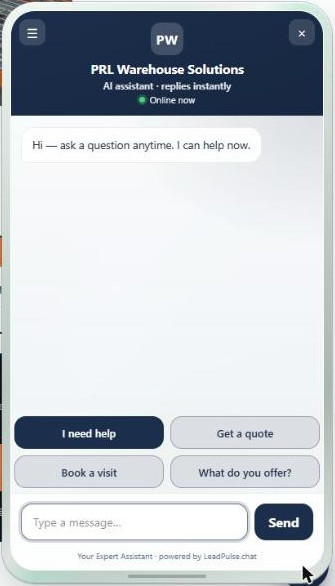
PRL Warehouse Solutions installs pallet racking across Denver. Our chat is live on its website, and the navy header you see is PRL's own brand color.

The PRL Warehouse Solutions chat open on its website. It shows a greeting, four buttons and a message box. The buttons read I need help, Get a quote, Book a visit and What do you offer.
PRL's live chat on prlwarehouse.com, opened on 22 October 2026 with no message sent.
  • It looks like part of the site. The colors, the greeting and the starter buttons are set for the business.
  • It collects the lead. It asks for a phone number first, then an email, and keeps helping after it has the number.
  • It offers visit times. It suggests two or three visit windows, and a person confirms the exact time.

On prlwarehouse.com the chat button appears at the bottom right after a few seconds of scrolling.

Open prlwarehouse.com

Ten more demo chats are live, each built from a Denver-metro contractor's public website. They run on LeadPulse, the chat platform that hosts our bots.

A phone receptionist on a test call

Our demo receptionist took a recorded test call. It said up front that it is an AI (a computer assistant) and asked what the caller needed. When asked to rate school districts, it pointed to official sources.

Eight example websites you can open

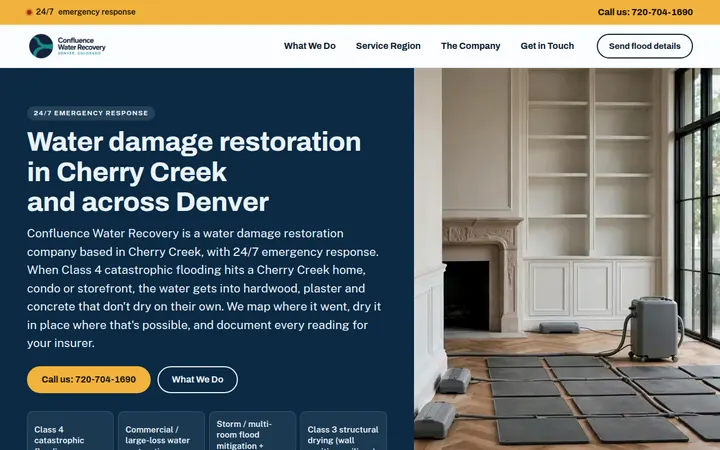
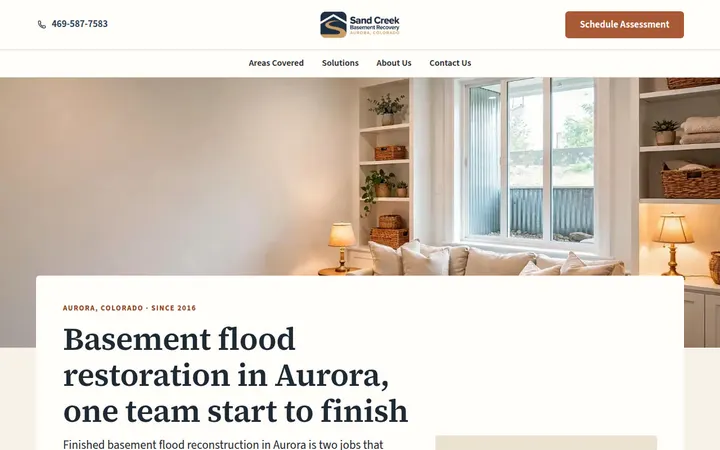
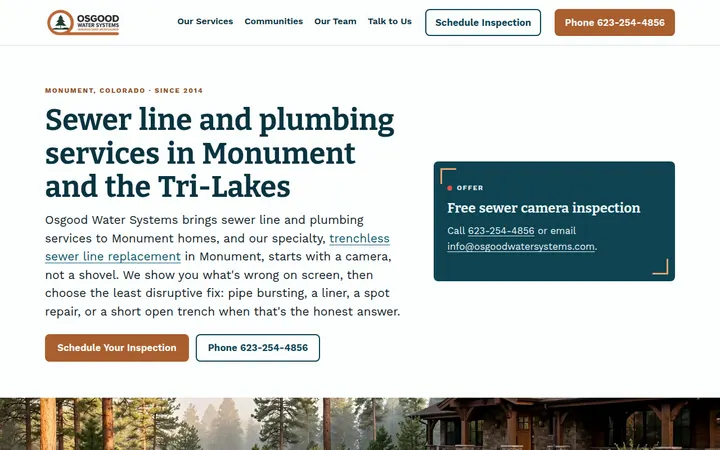
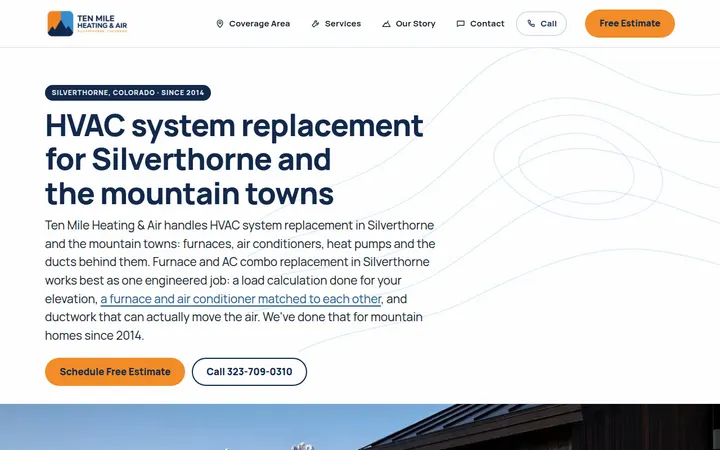
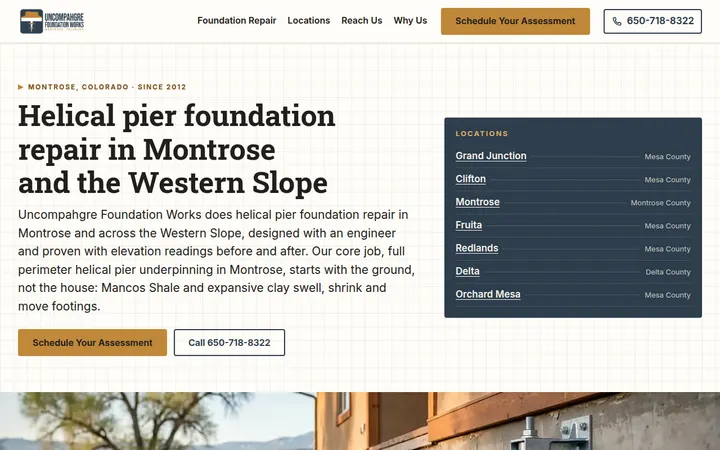
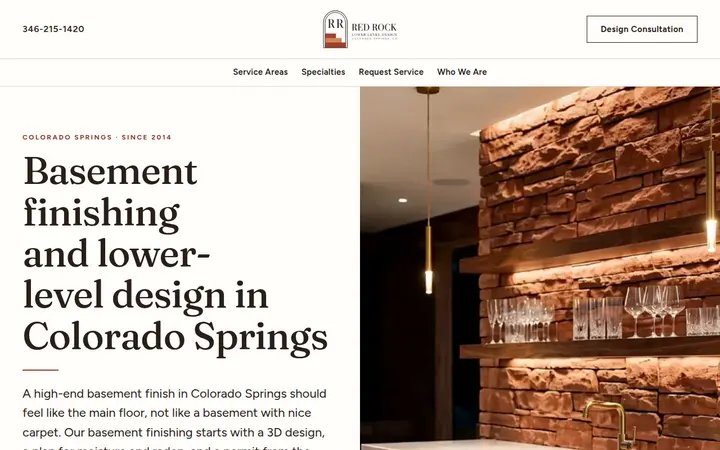
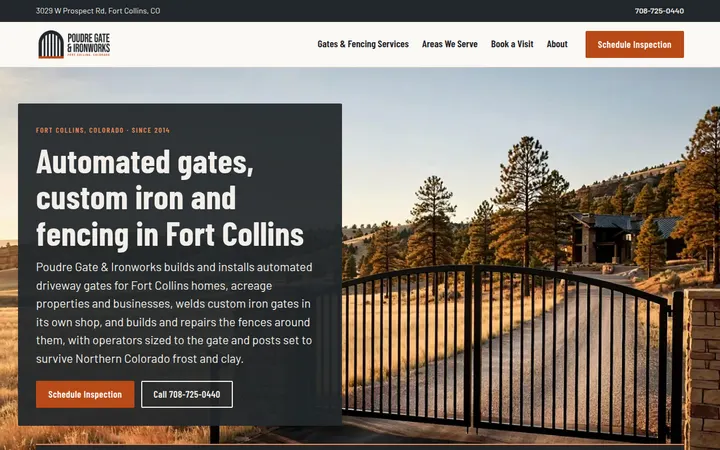
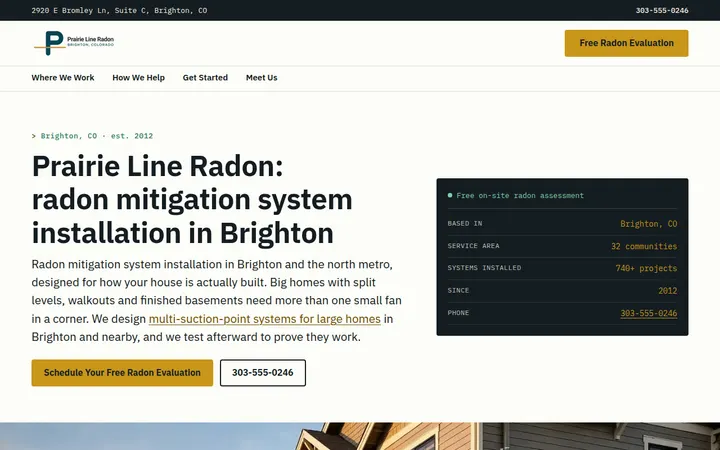
These are example sites for made-up Colorado businesses, built so you can see the work.

Your trade and your towns can go through the same steps. A quick first move is a free chatbot demo built from your own website.

And the rest

Our customer tracker, phone line, call-list builder, test results and more, each running on made-up customers.

The numbers, and what they mean for you

Every figure below is a real count.

  • 317pages built across the eight example sites, each planned from search research.
  • 693search phrases chosen from 42,051 researched, so pages aim at what people really search.
  • 2,472questions people ask on Google, collected so your pages can answer them.
  • 386local facts, each kept only when its source quote matches word for word.
  • 133 of 142services pass every readiness check run before a page is planned, and 97 of 98 areas pass too.
  • 5 to 8seconds from a visitor's message to the chat's reply, in our 1 October 2026 end-to-end check of all ten live demo chats.
  • 46ready-made chat plans, one per kind of business, so your chat starts from a plan that fits your trade.
  • 10live demo chats built from the public websites of Denver-metro contractors, ready for you to try.

In our research, people in Colorado search “water damage restoration near me” 3,600 times a month. One question, about the cost of radon mitigation in Colorado, appeared 56 times in the captured search results.

Counts checked on 22 October 2026 against our research databases, our chat plans and the live demo gallery.

How the work gets made, in plain words

A website starts as research

Twelve numbered stages take a site from first brief to final fixes.

  1. Research

    We gather what people in your trade and towns search for, the questions they ask and sourced local facts.

  2. Keep what is backed up

    A local fact stays in only if its quote appears word for word in a captured source.

  3. Plan every page

    Each service and each town gets its own page, checked against its own research before it is planned.

  4. Write and build

    Claude, an AI assistant, writes each page from its own research. Pictures are AI-generated illustrations.

  5. Review

    A person checks each stage before the next one begins. A last read of the finished pages lists what to fix, and then it is fixed.

A chat starts from your website

From your web address to a working chat, in six steps.

  1. Read your site

    We read your website, including pages that need a full browser to load.

  2. Pick a plan for your trade

    We match your trade to one of 46 ready-made chat plans. A trade without one gets a drafted plan, and a person reviews it before it goes live.

  3. Write the chat

    An AI writes the chat's personality, opening line and questions from the words on your site.

  4. Check its own work

    The AI reviews its draft for quality and completeness against the plan, then revises, up to two rounds by default.

  5. Match your look

    Your colors and logo are read from your site and checked so the text stays readable.

  6. Switch it on

    We load the setup, check it, then switch it on. Nothing takes effect until the switch.

Why Nick

Nick is a small business owner who knows what it takes to keep a business running. Nick and a small team set up the tools on this page for owners like you.

Talk to Nick

Not sure which of these you need? Tell Nick what slows your week down and start there.

Call or email Nick: 720-902-7972 [email protected]

Or get a free chatbot demo built from your own website.

The demo form is on leadpulse.chat, where our chatbots are hosted.